

Drag'n Wash immerses you in the quirky business of washing dragons, offering a unique blend of casual simulation and fantasy. The challenge of getting each dragon fully clean is surprisingly engaging, especially when understanding how to properly operate your station becomes the key to success. Mastering the washing process unlocks the full fun of interacting with these fantastic creatures.
Getting dragons into your shop and preparing them for a wash is your first task. This step sets the tone for your washing duties and introduces the flow of activities behind your station's operations.
Start The Game
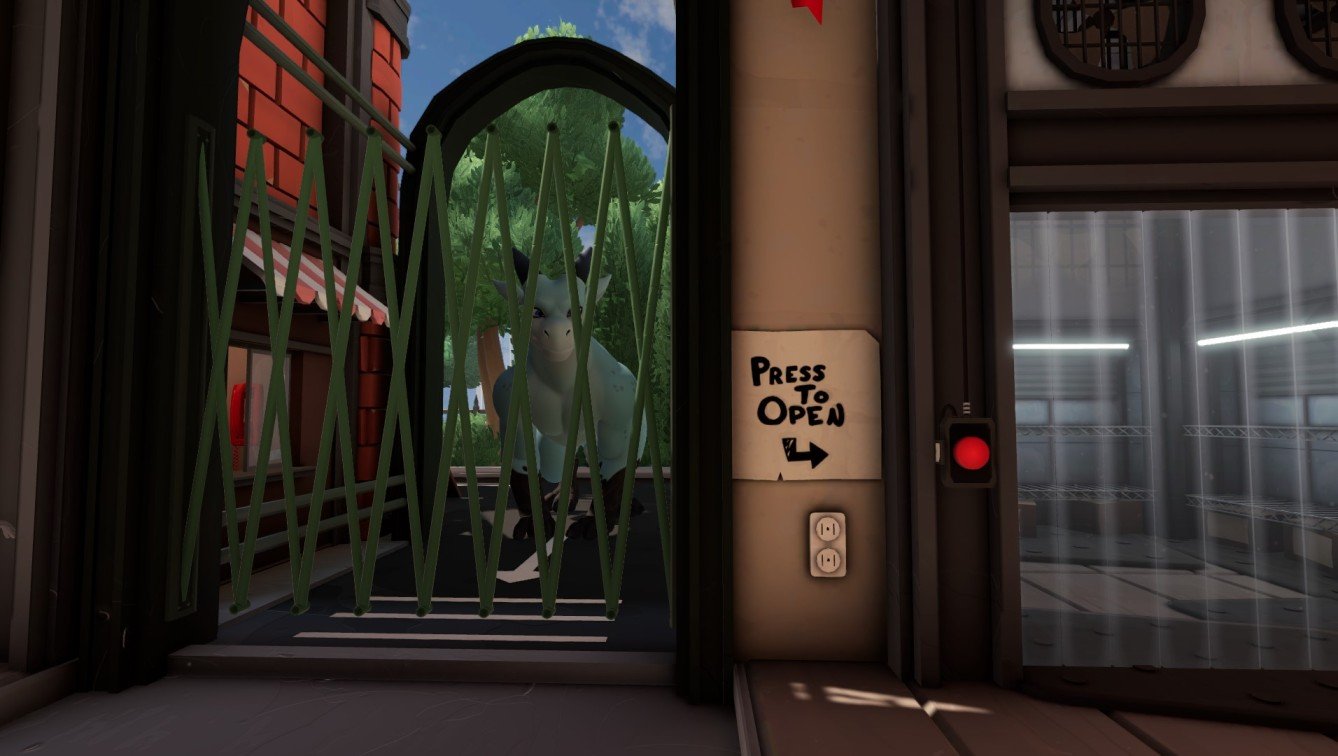
Start by launching Drag'n Wash and selecting a save slot. Head down to your shop where Ryan, the dragon, awaits at the main gate. To begin washing, you must first let him into your station.
Simply pressing the red button at this point won’t open the gate, so don’t get frustrated trying to rush this step.
Walk inside the reception and answer the ringing telephone. Indicate whether you’ve learned the basics to proceed with the game’s tutorial routine.
After the call ends, approach the reception window and talk to Ryan, the dragon waiting outside.

Select the option labeled "Welcome to Drag’n Wash" when prompted during your conversation.
Now, return to the main gate and press the red button again—this time, the gate will unlock. Ryan enters your shop, signaling that the washing process can finally begin.
Wash the Dragon
With the dragon inside, a cleaning meter appears at the top of your screen, tracking your progress through the wash.
The essential tools for washing include a Sponge, a Spray Gun, and a bucket filled with soapy water. These are your primary means to get each dragon sparkling clean.
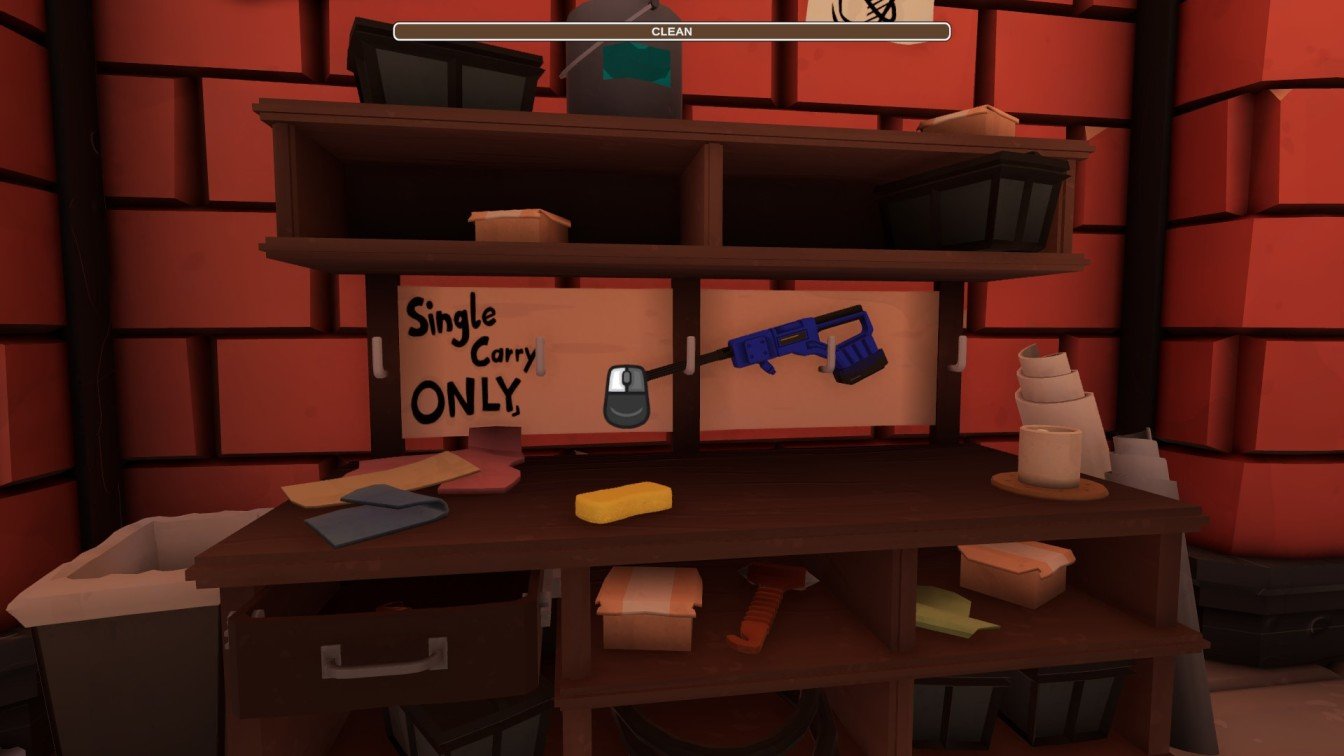
Grab the sponge by right-clicking, then dip it into the soapy water bucket. After soaking the sponge, right-click on the dragon’s body to begin scrubbing.
Coverage is key—you must scrub the entire dragon’s body. Be mindful that the soap on your sponge will wear off as you scrub, mirroring real-world soap use, which means continuous dipping is necessary.
Trying to clean everything with just one dip won’t work; the cleaning meter stalls, and the dragon remains dirty. This mechanic keeps you actively managing your sponge and soap levels.
As you dip repeatedly, the soapy water itself will deplete. When the bucket empties, put the sponge aside. Left-click the empty bucket, place it beneath the water tap, and click the tap to refill with fresh soapy water.
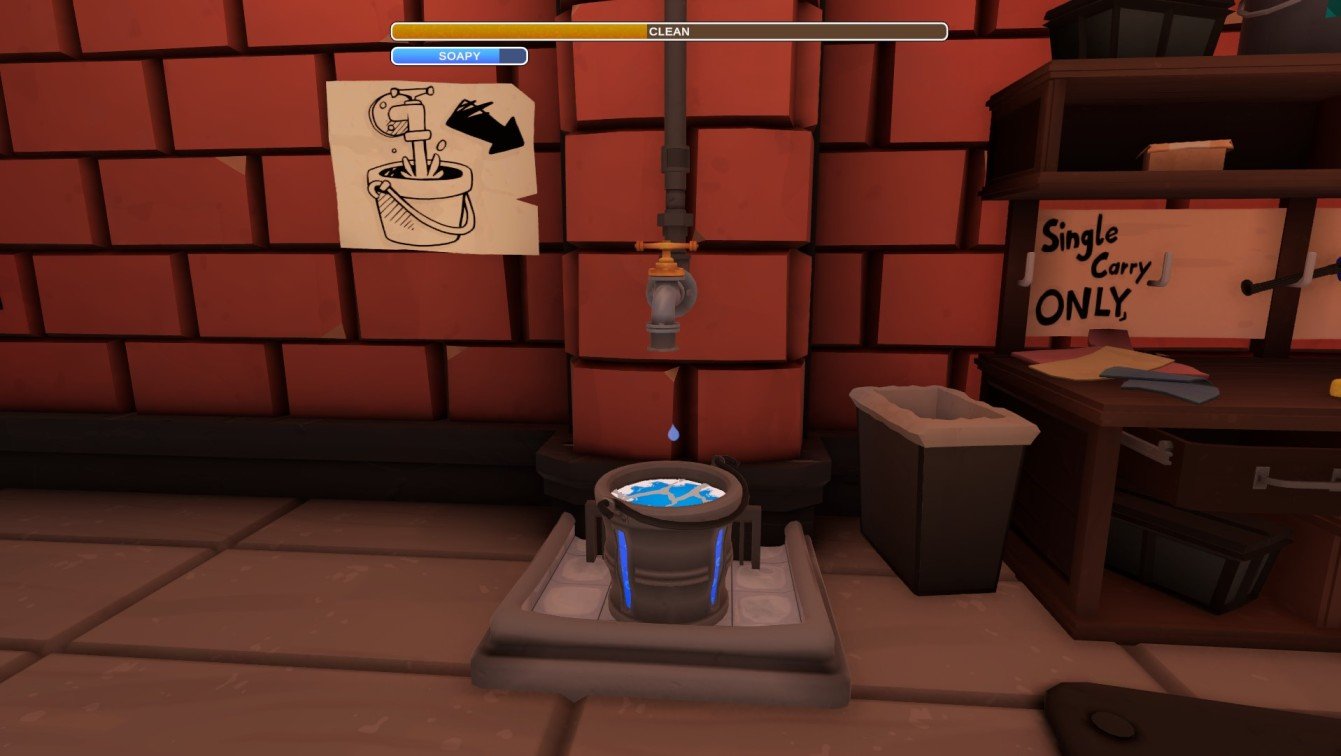
Once refilled, set the bucket back in its spot. Pick up the sponge again, soak it, and continue scrubbing the dragon until the cleaning meter fills completely.
Cleaning Tip
If a certain part of the dragon’s body is tough to reach, simply click that specific section. The dragon will move the limb or part closer, making it much easier to clean thoroughly.
You can shift the bucket around your station based on the spot you’re cleaning, enhancing your workflow and reducing unnecessary walking.
For those hard-to-reach upper areas, remember that you can climb onto the dragon itself to scrub every nook and cranny.
Rinse the Dragon
After scrubbing every inch, pick up the Spray Gun. By holding right-click, spray water over the dragon to rinse off all the soap, completing the wash process.

When rinsing is finished, talk to the dragon again and press the red button to release them back outside. Your wash station will close for the day.
Expect a new dragon to appear the following day, ready for you to clean again, often requiring debris removal before washing.
How to Remove the Debris?
Sometimes, dragons arrive with debris like leaves and branches stuck to their bodies. These cannot be cleaned with the sponge or spray gun.
To deal with debris, keep your hands empty and approach the dragon. Clicking directly on the debris allows you to pick it up.
Once in hand, walk to the trash can and dispose of the debris to prepare the dragon for proper washing.
No tools are needed for debris removal. Simply empty hands and physically pick up each debris piece before washing.
After clearing debris, use your cleaning tools to wash the dragon completely, keeping your station running smoothly and dragons pristine.