
In My Winter Car, taking on the taxi driver role offers a steady stream of income set against a lifelike winter driving environment. Understanding how to unlock and operate the taxi job is crucial, especially as the game’s immersive mechanics demand attention to detail, from picking up passengers to managing the taxi meter accurately.
My Winter Car guides provide crucial insights into the game's layered systems and serve as a roadmap to mastering your winter survival and vehicle maintenance.

How to Unlock New Car
How to Become a Taxi Driver
The taxi job in My Winter Car brings a relaxing yet engaging way to earn money through passenger transport. The job demands understanding of the taxi meter system to maximize earnings while avoiding any salary cuts. Patience and meticulous management of the meter make the job rewarding once you get the hang of it.
How to Unlock the Taxi Job
Starting the taxi job requires a few specific steps to unlock it officially. These must be followed in sequence for successful activation.
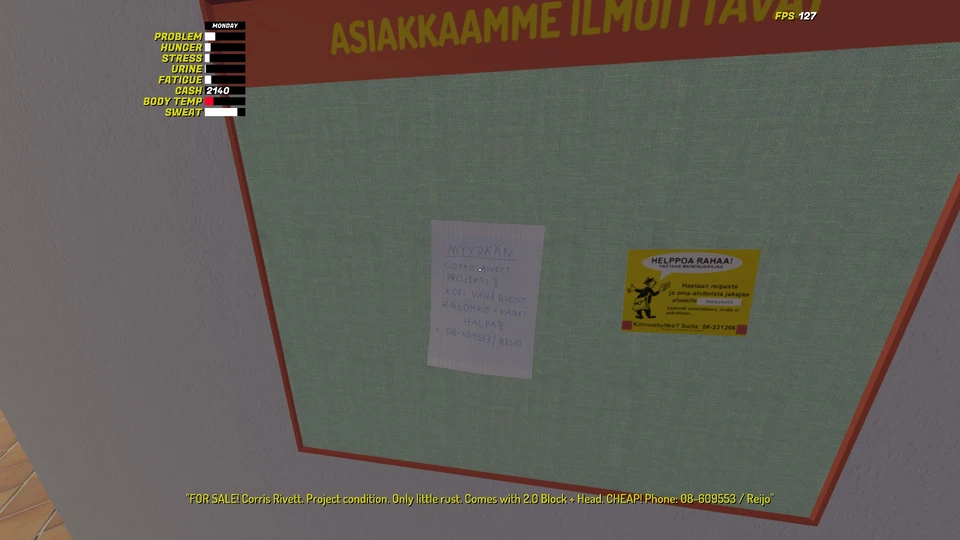
- Locate the Taxi Job poster on the job board.
- Call the phone number printed on the poster.
- Wait until the next day at exactly 12:00 PM to proceed.
Meeting the Taxi Driver
When noon arrives the following day, head to the PSK Parking area for a mandatory meeting. This is an essential step that cannot be bypassed.

During this meeting, the taxi driver briefs you on job mechanics and grants you access to the taxi car. Without this encounter, you cannot officially begin taxi work.
Taxi Car and Map Location
After receiving the taxi car, check the sun visor inside the vehicle to find a map with customer addresses. This tool is vital for navigating the game's geography efficiently during jobs.
For players new to My Winter Car’s map, this route planning aid helps reduce wasted time and keeps rides smooth. Familiarity with the map enhances your overall job performance and income.
How the Taxi Job Works
Taxi Meter
The taxi features a specialized taximeter with a rotatable knob to select modes and a clickable button to start, pause, or stop the meter. Mastery of this device is key to proper fare calculation.

Turning the knob to the minus symbol and activating the red button puts you on duty, enabling you to receive customer calls and start rides legally.
Taximeter Modes Explained
Mode 1 applies a base fee suitable for weekdays during daytime. Use this mode for regular work hours on weekdays to charge customers correctly.

Mode 2 activates higher base fees from 18:00 to 06:00 and all day over weekends. Always verify the current time and day before switching to this mode to ensure accurate pricing.
Mode A displays the total kilometers driven while the taximeter is active, letting you track distance statistics during your shift.
Mode B reveals your gross income accumulated during the job. This figure resets automatically after you receive your salary payout.
Lotto offers an optional feature to randomize a lottery line, though its relevance to taxi work is minimal and can be ignored for practical purposes.

While on duty, incoming customer requests come through your phone. Answer these calls to get the pickup address and start your job properly.
Drive to the specified location. Before starting the trip with the passenger, set the taximeter to Mode 1 or Mode 2 based on time and day to ensure fare calculation aligns with the rates.
The taximeter differentiates between stationary and driving rates. Pausing the meter is possible at any time using the clickable button, allowing control over fare charging.

Upon reaching the destination, stop the taximeter and process payment through the terminal. You must accept the fare exactly as displayed on the meter and print the receipt.
Accuracy is vital — any mismatch between payment and receipt results in automatic salary deductions. Careful handling of fare collection maintains your earnings and job reputation.
While I am on duty, my phone rings when a customer requests a taxi. I answer the call to receive the pickup address.
I drive to the specified location and, before moving, I set the taximeter to Mode 1 or Mode 2 depending on the time and day.
The taximeter uses different rates when the car is stationary and when I am driving. I can pause the taximeter at any time by pressing the clickable button if needed.
Payment and Receipt
When I arrive at the customer’s destination, I press the clickable button to stop the taximeter. I then transfer the displayed fee to the payment terminal, accept the payment, and print the receipt.
I make sure the payment amount matches the receipt exactly. If there is a mismatch, money is deducted from my salary, so accuracy is very important.